


Create Images & Videos with Flux 3 AI
Turn text and reference photos into polished images, precise edits, and cinematic clips. Create with Flux 3 and other leading AI models in one simple workspace - free to start.
Free credits to start - No credit card required - Create in your browser
GALLERY
See what creators make with Flux 3
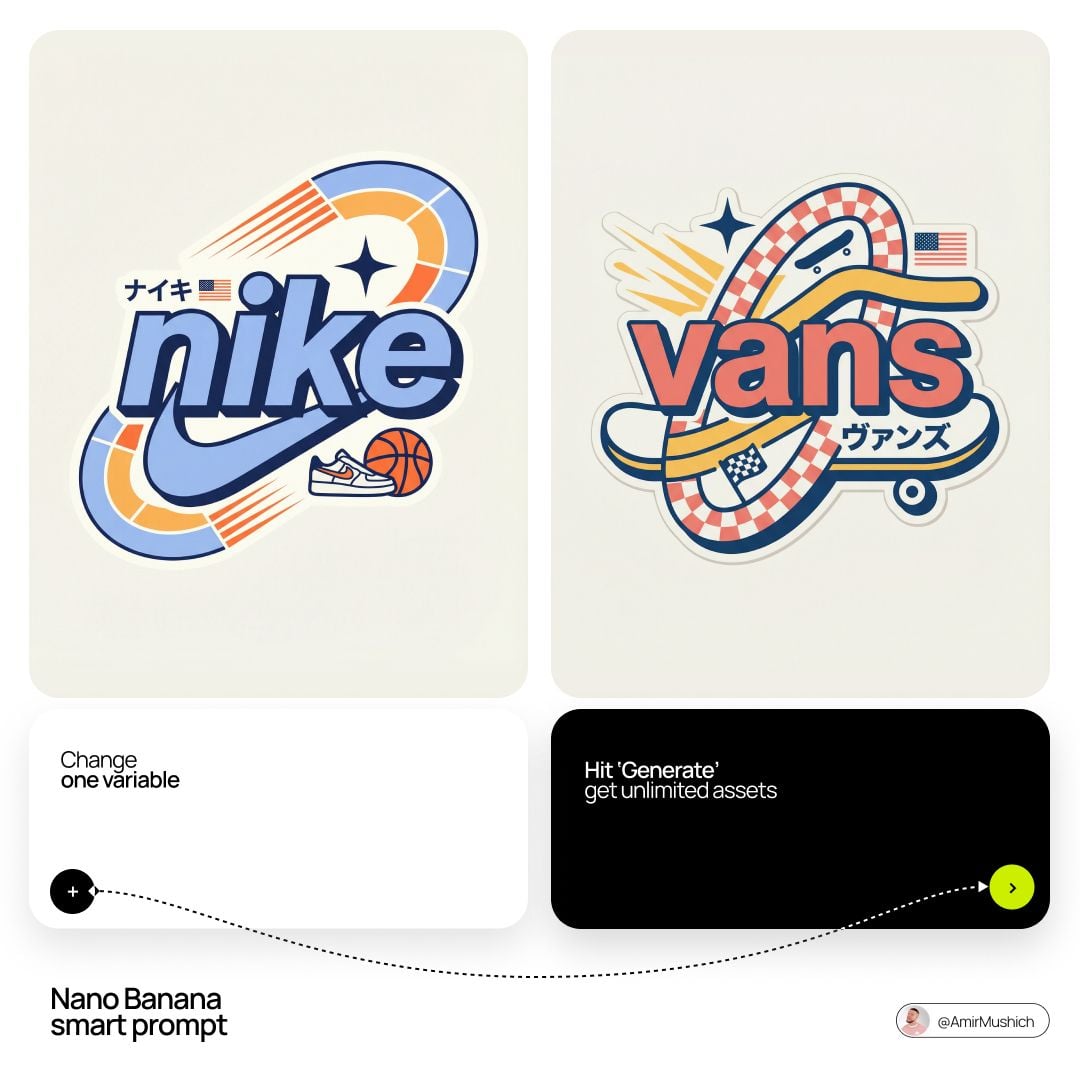
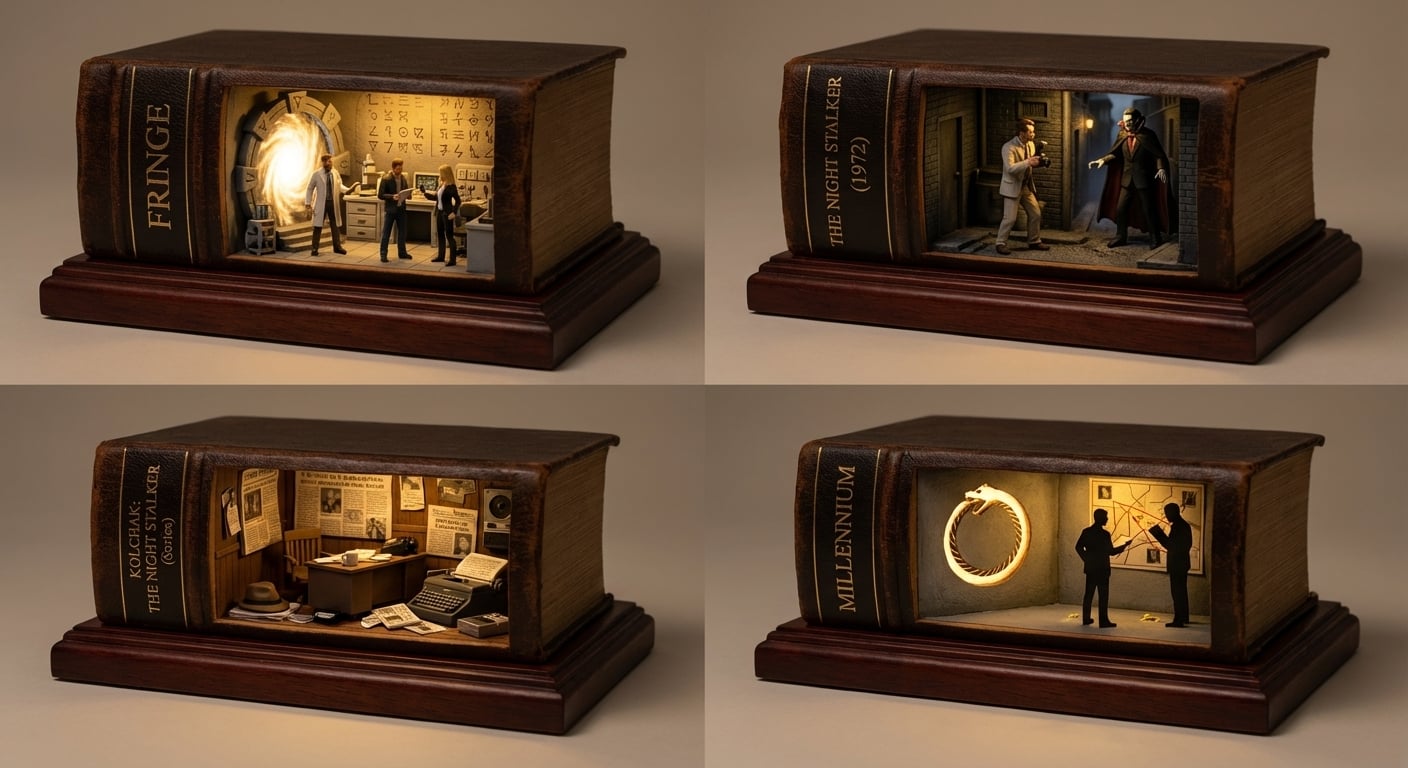
Explore AI images and the prompts behind them. Open any creation, reuse its prompt in Flux 3, then change the model, style, or framing to make it your own.
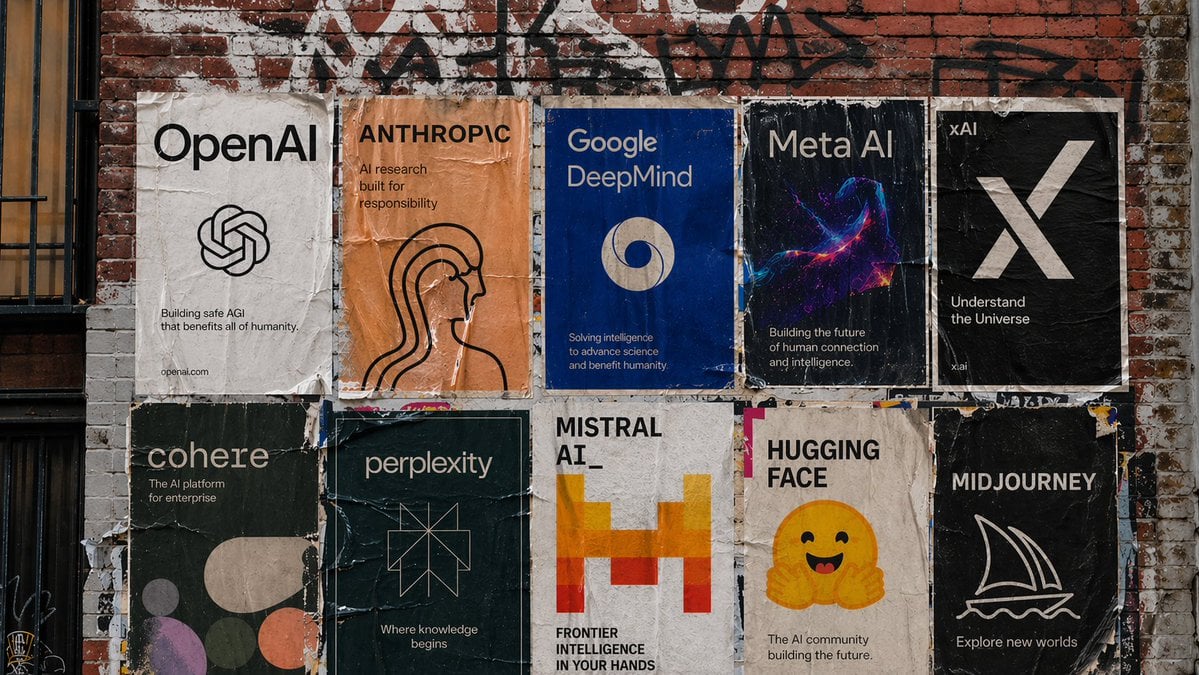
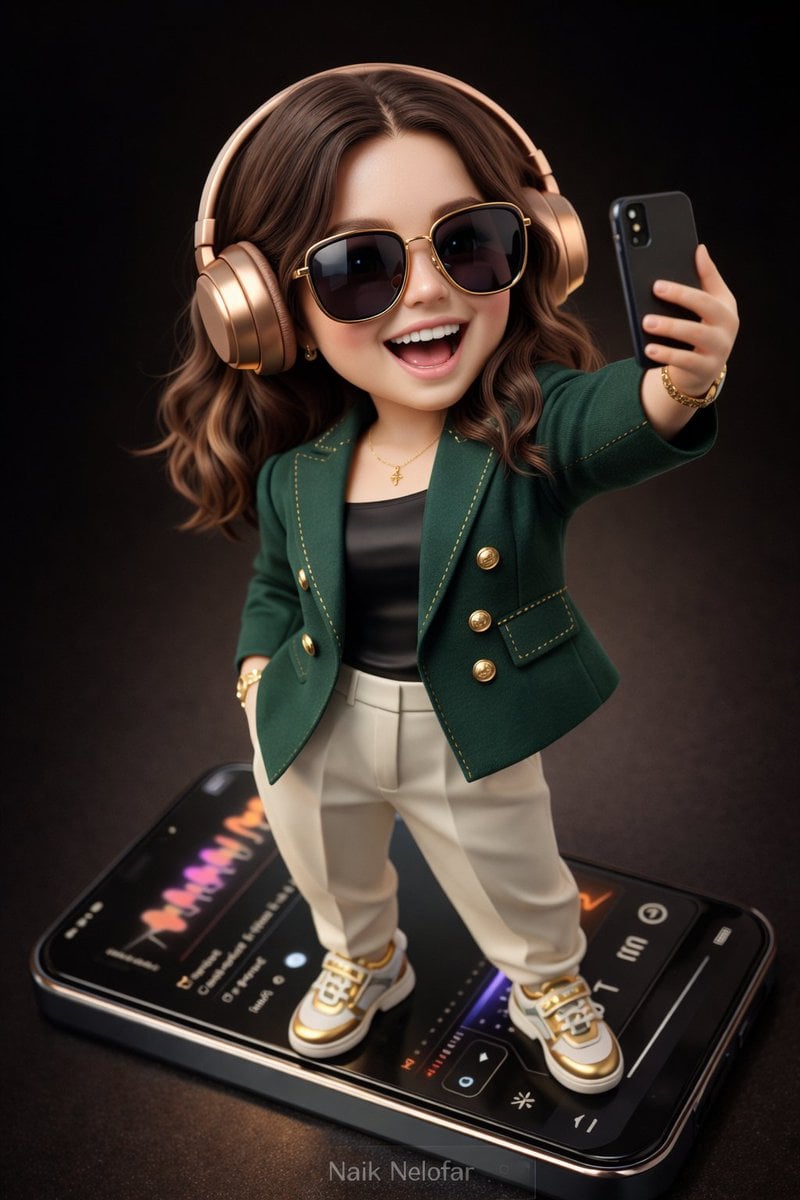


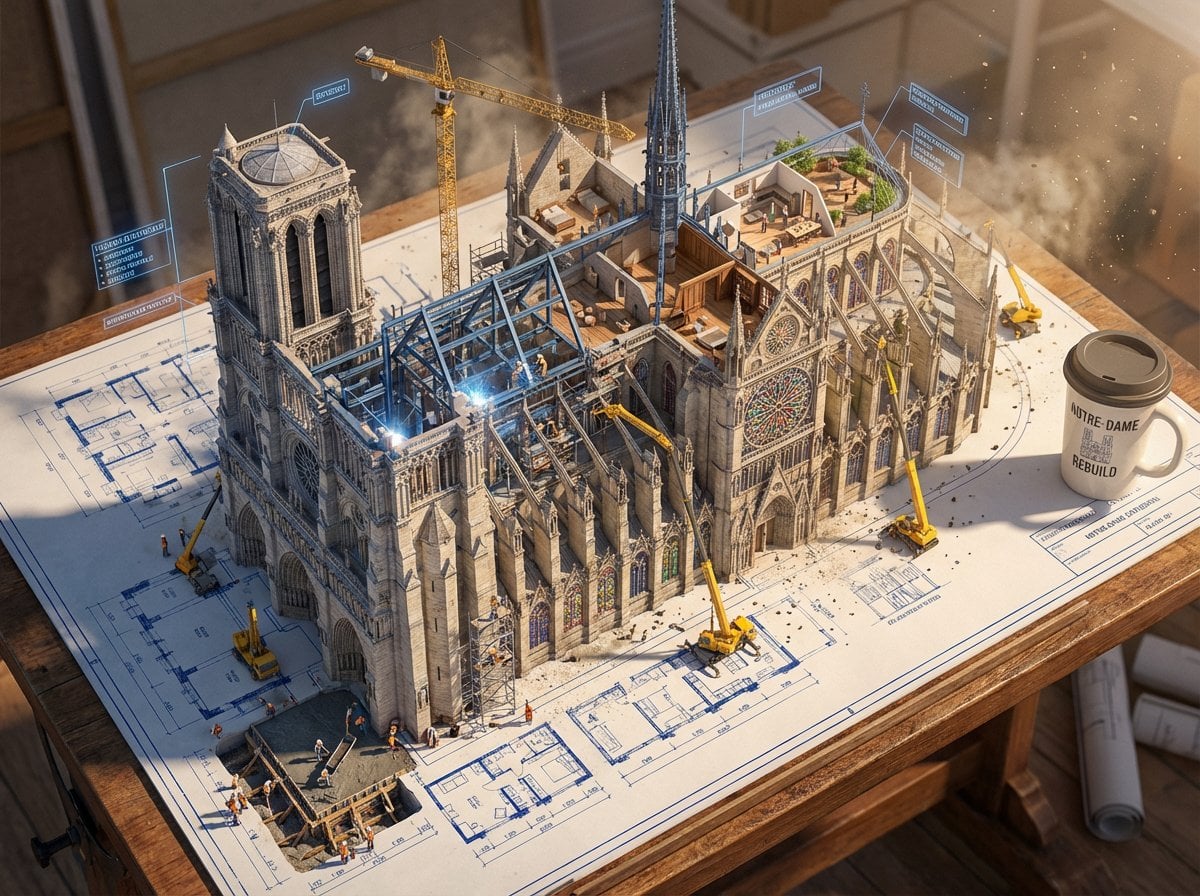

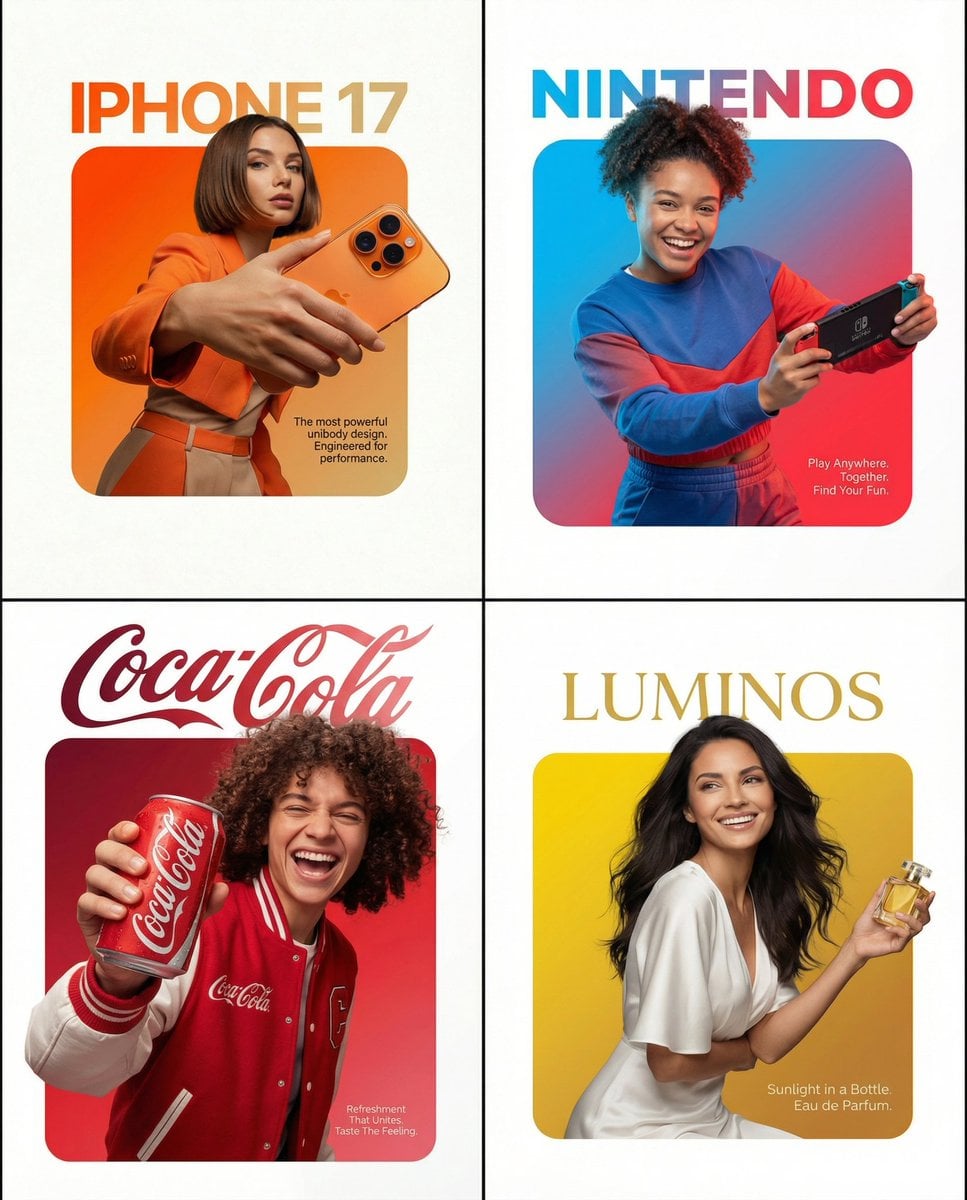



Leading AI models, one Flux 3 workspace
Create with Flux 2, GPT Image, Nano Banana, Veo, Kling, and Seedance without switching tools. Choose the right model for each image, edit, or video and use one shared credit balance.
FEATURES
Create from text, images, or both
Flux 3 brings text to image, image to image, text to video, and image to video into one focused workflow, from the first prompt to the final download.

WHY FLUX 3
One studio from first idea to final asset
Create, compare, and organize AI images and videos without rebuilding your workflow for every model.
Pricing
Start Flux 3 free, then add monthly credits or one-time packs when you need more.




TESTIMONIALS
Built for creators, marketers, and teams
FAQs
Flux 3 AI generator questions, answered
Learn how Flux 3 creates images and videos, which AI models are available, how credits work, and where to get help.
Flux 3 is a browser-based AI image and video generator. Start with a text prompt or reference photo, choose a model, and create images, edits, or short videos without installing creative software.
Yes. New Flux 3 accounts receive free credits, so you can try AI image generation before paying. When you need more, choose a subscription or add one-time credit packs.
Flux 3 supports Flux 2 Pro and Flex, GPT Image 2, Nano Banana 2 and Pro for image generation and editing, plus Veo, Kling, and Seedance for AI video. Available options and credit costs are shown before you generate.
Yes. Use text-to-image and image-to-image to create or edit stills, then turn a prompt or a finished image into short, cinematic AI video, all in one AI studio.
Flux 3 uses one credit balance across its AI models. Subscription plans grant credits every billing cycle, and one-time packs let you top up when needed. The cost of each generation depends on the model, resolution, and video settings you choose.
Subscription credits are valid for the current billing cycle and refresh on renewal. Pay-as-you-go credits you purchase separately never expire — use them at your own pace.
Yes. Change or cancel your plan anytime from the pricing page or the billing portal. There are no long-term contracts, and your plan stays active until the end of the current period.
Commercial use depends on the terms of the model and plan used for your generation. Review the applicable terms before using an output in marketing, products, or client work.
Flux 3 keeps image generation, image editing, and AI video in one workspace. You can compare leading models, reuse prompts and settings, and pay from one shared credit balance instead of rebuilding your workflow in separate tools.
Because credits are digital goods that can be used immediately, purchases are generally non-refundable. If you have a billing problem or were charged in error, email support@flux-3.co.
Yes. Email support@flux-3.co for account help, billing support, high-volume generation, or a custom enterprise setup.
Turn your next idea into something visual
Create AI images, edits, and videos with Flux 3. Start with free credits and choose the model that fits each idea.