

Grok Imagen AI Video Generator
Create 4-15 second Grok Imagen videos from text or reference images with native audio, flexible formats, and up to 1080p output using xAI's Grok Imagine Video 1.5 Preview.
What Can You Create with Grok Imagen?
Turn a prompt or reference image into a complete short-form scene. The model combines visual direction, motion, camera cues, dialogue, ambience, and effects in one generation workflow.
Text to Video from a Prompt
Use Grok Imagen to turn a written scene into motion. Define the subject, action, setting, lighting, lens, camera move, pacing, and sound so the model has a clear shot plan.
Reference Images with More Control
Upload up to seven images at 480p or 720p to guide people, products, locations, composition, or style. For 1080p output, use one reference image as the visual anchor.
Native Audio for Every Clip
Generate dialogue, ambience, and sound effects together with the visuals. Describe who speaks, what is heard, and when each sound occurs to keep the audio aligned with the action.
How to Use Grok Imagen on Flux 3
Move from a clear idea or visual reference to a downloadable AI video in three focused steps.
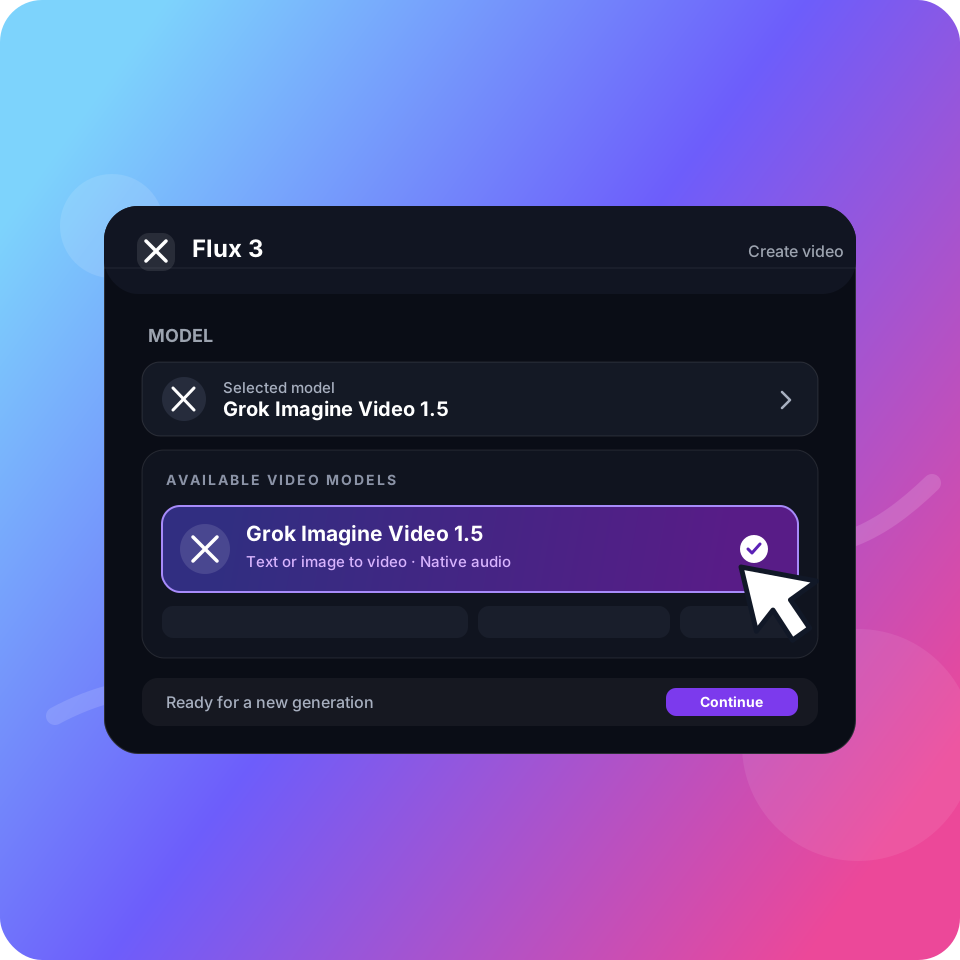
Step 01
Choose Grok Imagen
Select Grok Imagine Video 1.5 Preview in the model menu. Start with a text prompt, or upload reference images when you need tighter visual guidance.
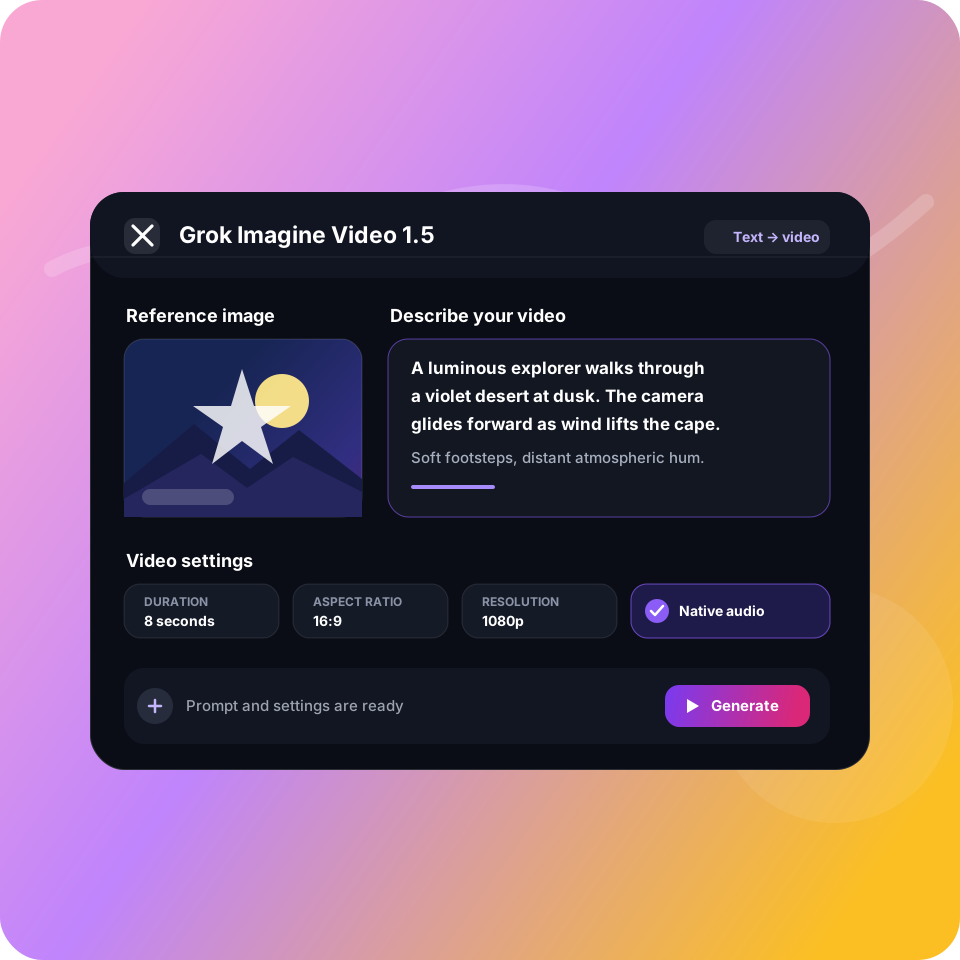
Step 02
Direct the Complete Shot
Describe the subject, movement, camera direction, lighting, pacing, dialogue, and ambience. Then choose a duration, format, and resolution that suit the destination.
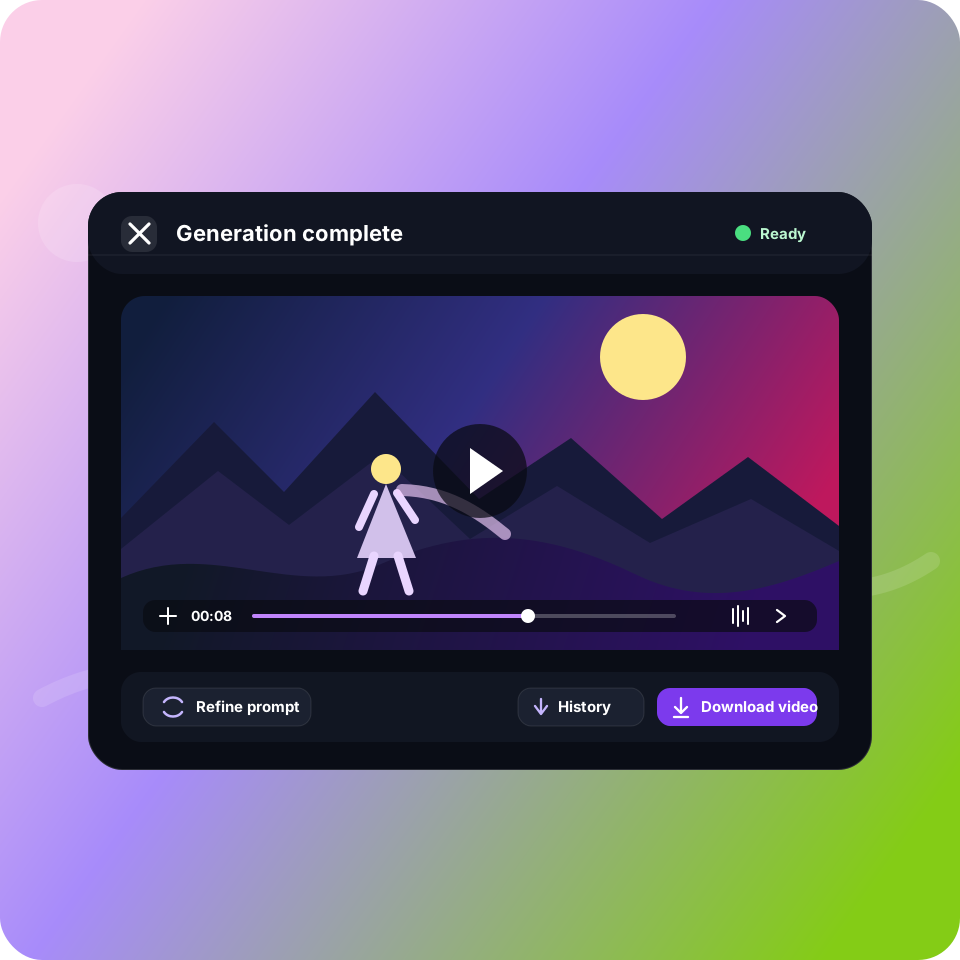
Step 03
Generate, Review, and Refine
Generate the clip, review motion and audio together, then refine the prompt or settings. Download the completed result from History when the shot is ready.
FLEXIBLE CREDITS
Choose a plan that fits your workflow
Use one credit balance across the image and video models available in Flux 3.





FREQUENTLY ASKED QUESTIONS
Learn more about Grok Imagen AI Video Generator
Create Your First Grok Imagen Video
Describe your shot, choose the format and duration, and generate a finished video with synchronized sound in one workflow.